HTTP Methods Explained: GET, POST, PUT, PATCH, DELETE (With Examples)
Learn all 9 HTTP methods: GET, POST, PUT, PATCH, DELETE, HEAD, OPTIONS, TRACE and CONNECT, with real examples, safe vs idempotent, and common mistakes.

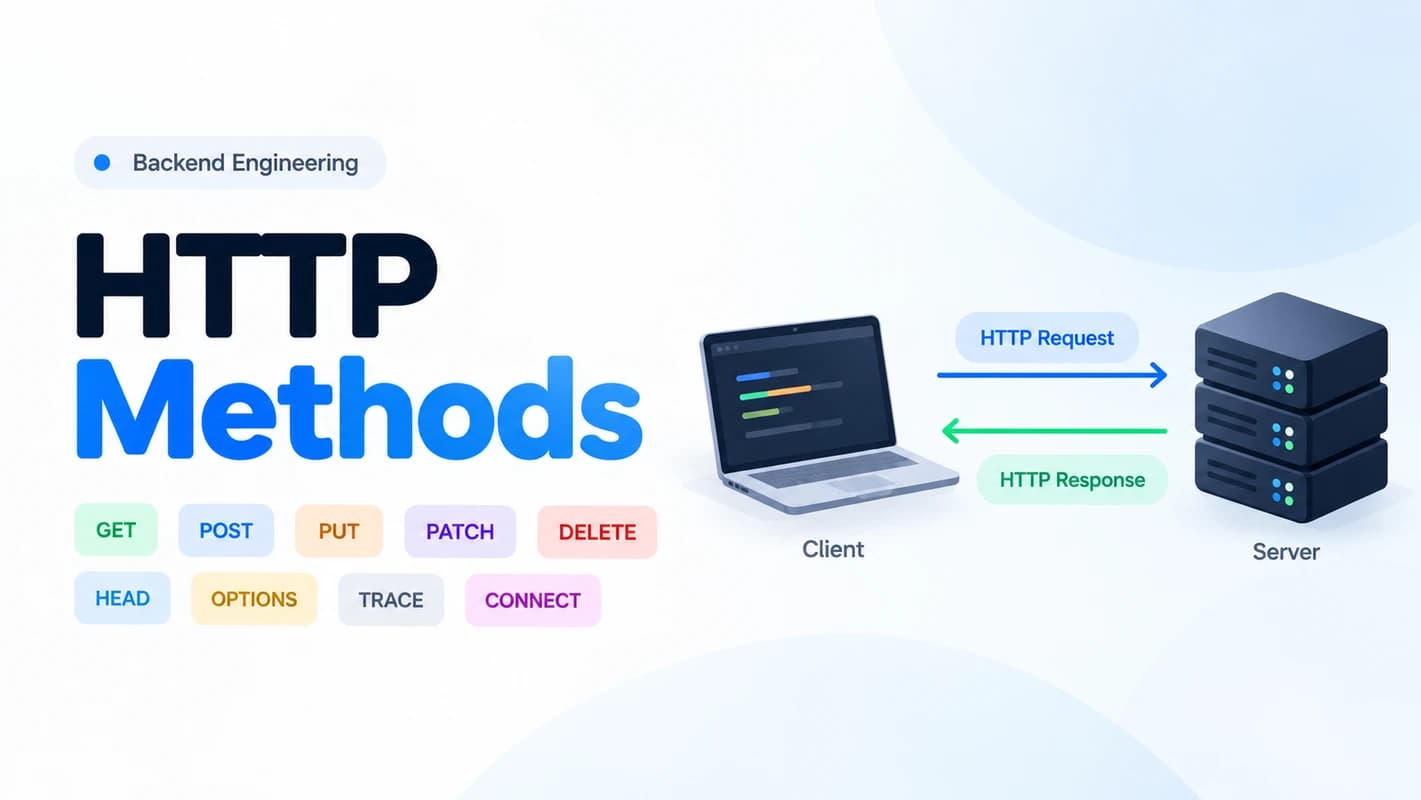
Every time you open a website, submit a form or update your profile in an app, your browser sends an HTTP request. Each request carries a method, a single word that tells the server what you want to do.
GET reads, POST submits and DELETE removes. That part is easy. The confusing parts come later. Should you use PUT or PATCH? Is it safe to retry a POST? Why does the browser send an OPTIONS request you never wrote?
This guide covers all nine standard HTTP methods. For each one you will see what it does, what a real request looks like and when to use it.
HTTP Methods at a Glance
| Method | What it does | Safe? | Idempotent? |
|---|---|---|---|
GET | Retrieve a resource | Yes | Yes |
POST | Submit data or trigger an operation | No | No |
PUT | Create or replace a resource at a known URI | No | Yes |
PATCH | Partially modify a resource | No | Not necessarily |
DELETE | Delete a resource | No | Yes |
HEAD | Get headers only, no body | Yes | Yes |
OPTIONS | Discover what is allowed | Yes | Yes |
TRACE | Loop the request back for debugging | Yes | Yes |
CONNECT | Open a tunnel through a proxy | No | No |
The Safe and Idempotent columns are explained in their own section right after the basics.
What Is an HTTP Method?
An HTTP method, also called an HTTP verb, tells the server what action the client wants to perform on a resource. Take an API that manages users. You may want to get a user, create one, replace one, change only an email or delete one. Each of those actions maps to a method.
Here is a simple request:
GET /api/users/42 HTTP/1.1
Host: example.com
Accept: application/jsonGETis the method./api/users/42is the resource path.HTTP/1.1is the protocol version.Hosttells the server which site you want.Acceptsays the client prefers JSON.
The server might answer like this:
HTTP/1.1 200 OK
Content-Type: application/json{
"id": 42,
"name": "Misbahul Alam",
"email": "misbahul@example.com"
}The real response depends on the API and the state of the resource.
Safe and Idempotent Methods
These two terms look similar, but they mean different things. Both matter once you start building real APIs.
Safe means the method is not meant to change anything on the server. GET, HEAD, OPTIONS and TRACE are safe. A safe request can still leave a log entry or trigger analytics, but changing the resource is not its purpose.
Idempotent means that sending the same request many times has the same intended effect as sending it once. GET, HEAD, OPTIONS, TRACE, PUT and DELETE are idempotent. If you send PUT /api/users/42 ten times with the email set to misbahul@example.com, you still end up with one user and one email. A POST that adds 1 to a counter is different, because every request changes the result.
Why does this matter? Networks fail. A client often cannot tell whether the server finished the work before the connection dropped. Idempotent methods are safe to retry automatically. For things like creating an order or taking a payment, you need extra protection such as idempotency keys.
The Core Methods
These five methods cover most of the work in everyday API development.
GET: Read Data
GET asks the server for a representation of a resource. Loading a profile, listing products and reading this article all use GET.
GET /api/products?category=books&limit=10 HTTP/1.1
Host: example.com
Accept: application/json
This asks for up to 10 products in the books category.
Use GET to fetch lists, read a profile or a blog post, search for jobs or load order details. It is safe and idempotent.
One thing to remember: do not send a body with a GET request. HTTP gives it no defined meaning, and many tools ignore or reject it. Put filters and search terms in the query string instead.
POST: Submit Data or Trigger an Action
POST asks the server to process the data you send, following the rules of the target resource. It is the most flexible method. People use it to create records, submit forms, log in, upload files and start jobs.
POST /api/users HTTP/1.1
Host: example.com
Content-Type: application/json

{
  "name": "Misbahul Alam",
  "email": "misbahul@example.com"
}
When the user is created, the server might reply:
HTTP/1.1 201 Created
Content-Type: application/json
Location: /api/users/43

{
  "id": 43,
  "name": "Misbahul Alam",
  "email": "misbahul@example.com"
}
The 201 Created status and the Location header tell the client where the new resource lives.
POST is not idempotent. Send the same request twice and you may create two users or charge a card twice. For anything that must not happen twice, such as a payment, use an idempotency key. This is a unique value the client sends with the request, so the server can recognise a retry and ignore it.
PUT: Replace a Resource
PUT asks the server to create or replace the resource at a known URI with the data you send. Use it when the client already knows exactly which resource it wants to change.
PUT /api/users/42 HTTP/1.1
Host: example.com
Content-Type: application/json

{
  "name": "Misbahul Alam",
  "email": "misbahul.alam@example.com"
}
PUT is idempotent. Repeating the same request leaves the resource in the same state.
PUT does not mean you must overwrite every database column. Your application decides what replacing a resource means. Most backends keep fields like id and created_at untouched.
PATCH: Update Part of a Resource
PATCH applies a partial change. You send only the fields that should change.
PATCH /api/users/42 HTTP/1.1
Host: example.com
Content-Type: application/merge-patch+json

{
  "email": "new.email@example.com"
}
This example uses JSON Merge Patch, where any field you leave out stays as it was. The result:
{
  "id": 42,
  "name": "Misbahul Alam",
  "email": "new.email@example.com"
}
HTTP does not force a specific patch format. Your API decides how the changes are read, and JSON Merge Patch and JSON Patch are the two common choices.
PATCH is not necessarily idempotent. Setting an email to a fixed value is safe to repeat, but "increase the counter by 1" is not.
DELETE: Remove a Resource
DELETE asks the server to remove the target resource.
DELETE /api/users/42 HTTP/1.1
Host: example.comHTTP/1.1 204 No Content204 No Content means the request worked and there is nothing to send back. Depending on your design, a server may also return 200 OK with a body, or 202 Accepted if the deletion will finish later.
DELETE is idempotent, but that does not mean the responses are identical. The first call may return 204 and the next one 404 Not Found. That is perfectly fine, because the intended effect is the same: the resource is gone.
PUT vs PATCH
This is the pair that confuses people most. Choose by the meaning of the operation, not by how many fields are in the body.
| PUT | PATCH | |
|---|---|---|
| What you send | The full representation | Only the changes |
| Fields you leave out | Treated as part of the replacement | Stay unchanged |
| Idempotent? | Yes | Not necessarily |
| Good for | Replacing a profile or a settings document | Changing an email or an order status |
Less Common Methods
You will use these four less often, but you should know what they do.
HEAD: Get Headers Without the Body
HEAD works like GET, except the server must not send a response body. It is handy when you only need metadata.
HEAD /files/report.pdf HTTP/1.1
Host: example.comHTTP/1.1 200 OK
Content-Type: application/pdf
Content-Length: 5242880
Last-Modified: Wed, 28 Oct 2026 10:00:00 GMTUse it to check that a file exists, see its size before downloading or find out when it last changed. It saves bandwidth, but it still costs a round trip to the server.
OPTIONS: Discover What Is Allowed
OPTIONS asks which communication options a resource supports. Servers often answer with an Allow header that lists the permitted methods.
OPTIONS /api/users/42 HTTP/1.1
Host: example.comHTTP/1.1 204 No Content
Allow: GET, HEAD, PUT, PATCH, DELETE, OPTIONSIf you build APIs for browser apps, you have already met OPTIONS even if you never wrote it. When a cross-origin request needs a CORS preflight, the browser first sends an OPTIONS request to ask whether the real request is allowed:
OPTIONS /api/users HTTP/1.1
Origin: https://frontend.example.com
Access-Control-Request-Method: PATCH
Access-Control-Request-Headers: content-type, authorization
Your server's CORS response decides whether the browser goes ahead. When your frontend shows a confusing CORS error, check how your backend handles OPTIONS first.
TRACE: Debug a Request Path
TRACE asks the server to echo back the request it received. It helps you see how proxies and other middlemen change a request on the way.
TRACE / HTTP/1.1
Host: example.com
In everyday API work you will almost never need it. Many production servers disable TRACE on purpose, because echoing request data can create security risks.
CONNECT: Open a Tunnel
CONNECT asks a proxy to open a tunnel to the destination server. This is how HTTP proxies carry HTTPS traffic.
CONNECT example.com:443 HTTP/1.1
Host: example.com:443HTTP/1.1 200 Connection EstablishedCONNECT matters mainly when you build or configure proxy software. You would not expose it as a REST API endpoint.
Common Mistakes
- Using GET to change data. Crawlers, browser prefetching and link scanners can fire GET requests without anyone meaning to trigger an action. Never create or delete things with GET.
- Mixing up PUT and PATCH. PUT replaces and PATCH modifies. Decide by intent.
- Thinking every POST creates something. POST can also run an action, submit a form or start a job. Your API contract defines what it does.
- Expecting identical responses from idempotent methods. Idempotency is about the intended effect, not the status code or the body.
- Trusting the method for security. A DELETE endpoint without authentication and authorization is dangerous, whatever the method is called.
- Skipping validation. HTTP methods do not replace input validation or business rules. Always validate on the server.
Frequently Asked Questions
Which HTTP methods are used most in REST APIs?
GET, POST, PUT, PATCH and DELETE cover most CRUD-style operations. HEAD and OPTIONS show up when an API needs metadata or CORS support.
What is the difference between PUT and PATCH?
PUT replaces the whole representation of a resource. PATCH applies a partial change described by a patch format or your API contract.
Is POST idempotent?
Not by default. Repeating a POST can create duplicates or repeat an action. You can make a specific POST operation safe to retry with idempotency keys or deduplication.
Can a GET request have a body?
HTTP gives a GET body no defined meaning, so clients and servers handle it inconsistently. Use query parameters for filters and search criteria.
What is the difference between safe and idempotent?
Safe means the method is not meant to change resource state. Idempotent means repeating the request has the same intended effect as sending it once. Every safe method is idempotent, but PUT and DELETE are idempotent without being safe.
Conclusion
HTTP methods are the shared language between clients and servers. Pick them with care and your API becomes predictable, easy to retry and easy for other developers to use.
- Use GET to read, POST to create or trigger an action, PUT to replace, PATCH to update part of a resource and DELETE to remove.
- HEAD and OPTIONS help with metadata and CORS. TRACE and CONNECT are specialised and rarely appear in application code.
- Safe methods do not change state, and idempotent methods are safe to retry. Protect POST with idempotency keys when a duplicate would hurt.
- The method name does not secure anything. Always add authentication, authorization and validation.
Try it yourself
Build a small users API in your favourite language and test it with curl. Send the same PUT three times, then the same POST three times, then DELETE the same user twice. Compare the results and the status codes. You will remember the difference far better than from reading alone.
If this guide helped you, share it with a friend who is learning backend development. Tell me in the comments what you want me to cover next, for example HTTP status codes or REST API design.

I specialize in designing robust backend systems, building scalable APIs, and solving complex engineering problems. My focus is on system reliability, performance optimization, and maintainable architecture, with an emphasis on turning business requirements into efficient, production-ready solutions.
Discussion & Perspectives
0No comments posted yet
Be the first to join the dialogue and share your perspective on this essay.